How to refer a business
- Find and select the user in your network who should receive the recommendation.
- Choose the business you want to refer to them.
- Send the referral, adding any helpful context where available.
Where the recommendation appears
Once the referral has been received and accepted, the recommended business appears in the recipient’s favourites. This gives them a convenient place to find its details and make contact.
A recommendation worth keeping
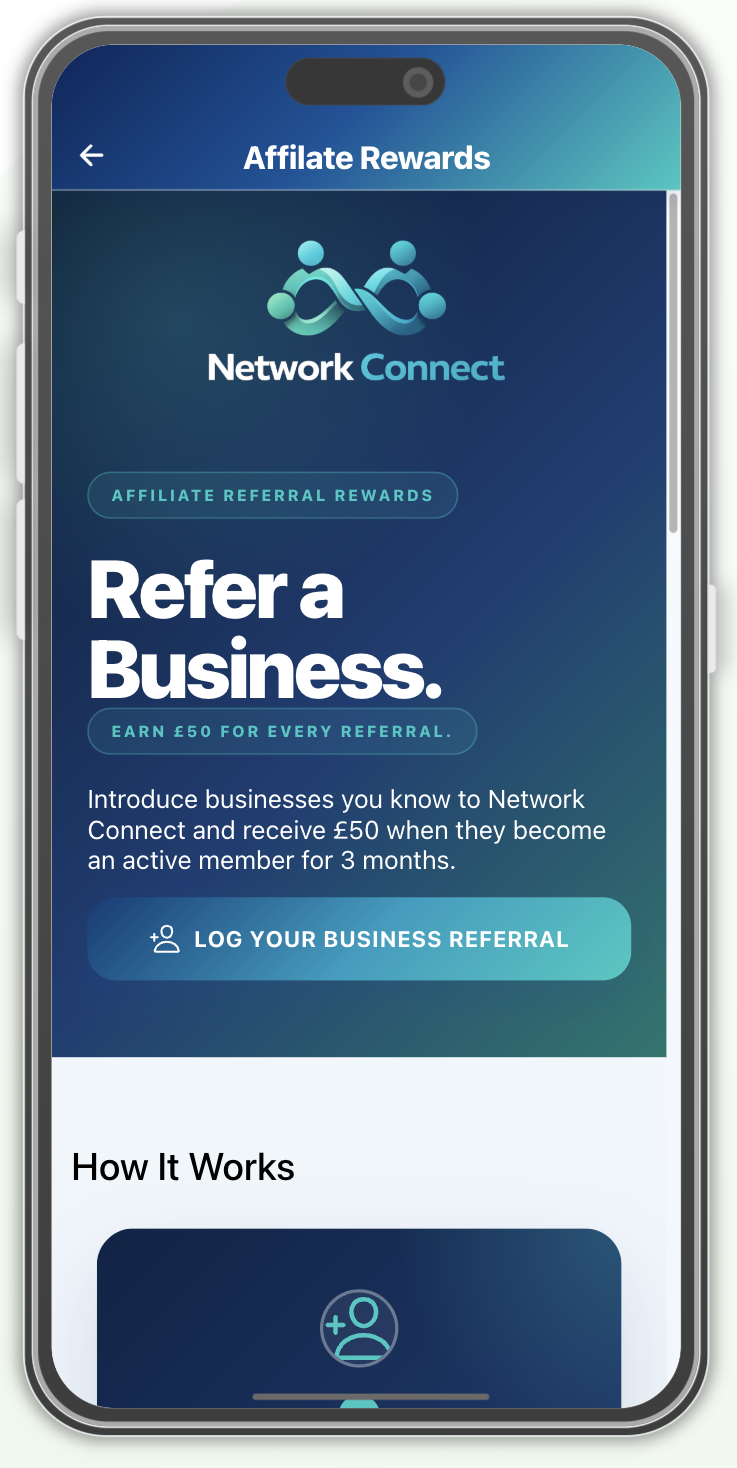
Use referrals to introduce a helpful service, connect a customer with a business or pass on a contact to another network member. For the separate £50 business referral reward, visit our referral scheme page .